
15% weight
0%Produce and Forage Shipped
Count the required shipping collection entries completed in the Collections tab.
Track every official perfection category in one browser checklist. Enter your current totals, see the weighted score used by Stardew Valley, and save the progress locally without uploading a save file.
Update the eleven categories below. The overall percentage follows the documented perfection weights, so a finished category contributes its exact share toward 100%.
Progress is stored in this browser. Export a JSON backup before clearing browser data or switching devices.
Count the required shipping collection entries completed in the Collections tab.
Build the Earth, Water, Desert, and Island Obelisks through the Wizard.
Mark complete after purchasing the Golden Clock for the farm.
Complete every Adventurer's Guild monster eradication goal.
Reach the required friendship level with every counted villager.
Enter the combined perfection value from your five skill levels.
Collect all permanent-energy Stardrops available to the player.
Cook every recipe that counts toward the perfection requirement.
Craft every required recipe at least once, including purchased recipes.
Catch every fish required by the Fish collection and perfection check.
Find the full set of Golden Walnuts across Ginger Island activities.
The tracker multiplies each category's completion ratio by its official percentage. Shipping contributes 15%, friendship contributes 11%, the Golden Clock contributes 10%, and smaller categories still matter even when they contain fewer entries. This makes the result more useful than dividing completed boxes by the total number of boxes.
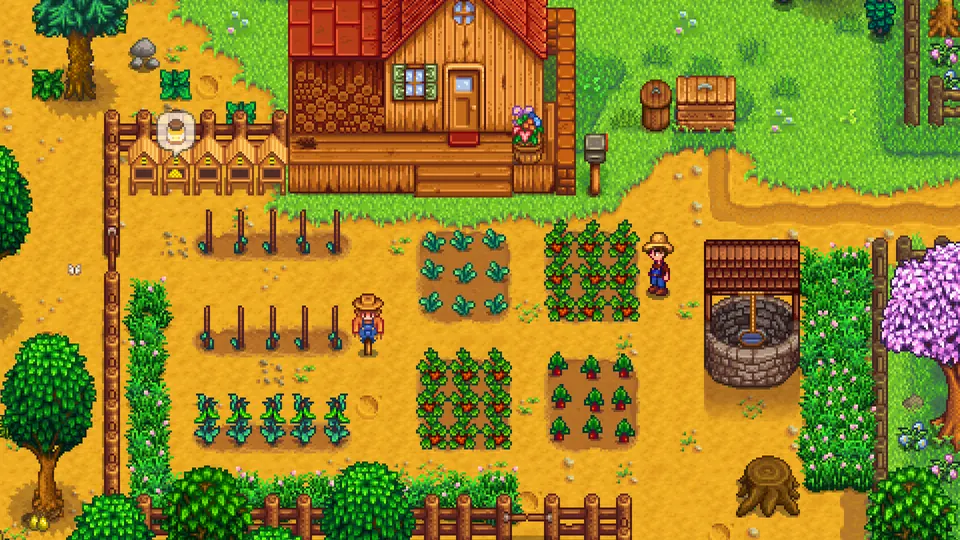
Use the in-game Perfection Tracker in Mr. Qi's Walnut Room and the Collections menus as your source, then transfer the visible totals into this checklist.
Open the Perfection Tracker in Qi's Walnut Room after unlocking it. Note the categories that are already complete and the percentage shown by the game.
Use the Shipping, Fish, Cooking, and Crafting collection pages to count completed entries. The browser tool accepts partial totals, so you do not need to wait for a category to finish.
Add obelisks, the Golden Clock, Stardrops, monster goals, friendship targets, skill progress, and Golden Walnuts. Values above the documented maximum are automatically capped.
Your edits save locally after every change. Export the JSON file when moving to another browser, sharing a co-op snapshot, or keeping a backup before clearing site data.
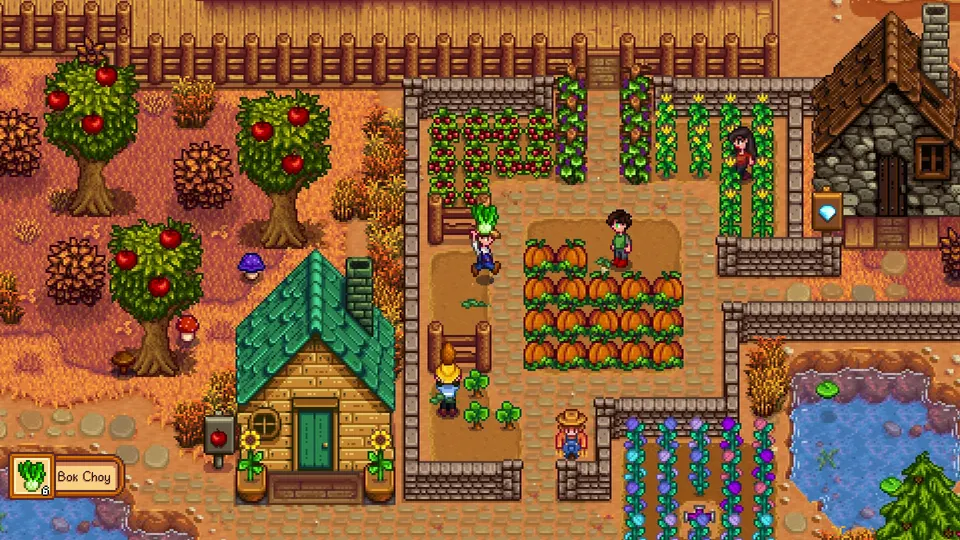
Perfection on a multiplayer farm combines some farm-wide goals with player-specific progress. Agree on who updates each category and treat this page as a planning snapshot rather than a replacement for the in-game check.
One player can export the JSON file and send it to the group without sharing the full save file.
Player-specific collections may require coordination, especially when different farmers learned recipes or built relationships.
If the browser estimate and the Walnut Room disagree, keep the in-game percentage and review the category totals.
The weighted score helps separate high-impact blockers from long collection grinds. Finish categories that unlock several goals together, then use low-weight categories to close the last few percentage points.
Plan obelisks and the Golden Clock together because both require major late-game spending and Wizard access.
Use seasonal trips to gather missing fish, shipping items, cooking ingredients, and crafting materials in the same cycle.
Rare shop, festival, friendship, and special-order recipes are easier to fix when identified before the final season.
Export the tracker before a long break so your next session starts with a clear list instead of rebuilding progress from memory.

This is a manual progress calculator based on the documented Stardew Valley 1.6 perfection categories checked on July 15, 2026. It does not upload, parse, or modify a save file, and it cannot detect modded perfection rules. Counts can change in future game updates, while perfection waivers and multiplayer behavior can make an in-game result differ from a manual estimate.
Verify current perfection requirements on the Stardew Valley Wiki
Finish the standard bundles with room filters and local progress saving.
Open bundle trackerRead a save file or Game ID and inspect supported RNG-based outcomes.
Open predictorSearch predicted Traveling Cart and special-event shop stock for future dates.
Open cart trackerThe documented categories are shipped produce and forage, four obelisks, the Golden Clock, monster slayer goals, great friendships, farmer skill level, Stardrops, cooked recipes, crafted recipes, caught fish, and Golden Walnuts.
Unlock Qi's Walnut Room on Ginger Island and use the Perfection Tracker inside. Collection tabs and the Adventurer's Guild help verify individual totals.
No. The tool uses manual inputs and stores them in localStorage in your current browser. Exporting creates a JSON backup on your device.
Yes. The current category maximums are based on the documented 1.6 requirements checked on July 15, 2026. Recheck the linked wiki after a future content update.
A mistyped partial total, multiplayer state, mods, perfection waivers, or a later game update can create a difference. Treat the in-game Walnut Room percentage as the final authority.
Yes. Choose Export progress, move the JSON file to the other device, and use Import progress on this page.